⚙️ Tabler Illustrations v1.17 – App Essentials
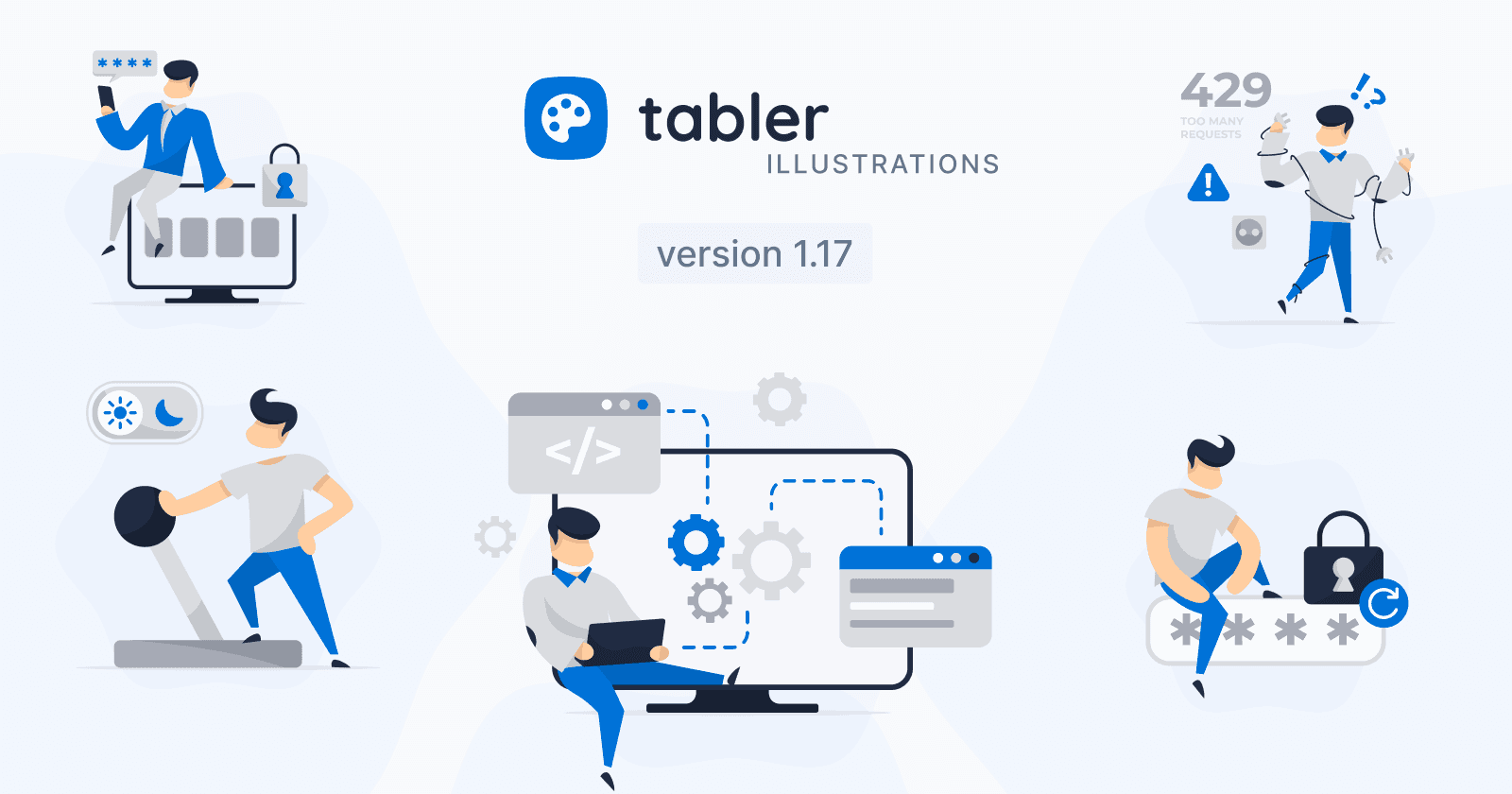
Tabler Illustrations v1.17 adds five new graphics for modern product experiences: 2FA, API, Dark Mode, Password Reset, and Too Many Requests.
Every product needs a few core moments: signing in safely, connecting systems, handling limits, and letting people make the interface their own. ⚙️ Tabler Illustrations v1.17 adds five new app-essentials scenes for authentication, integrations, reliability, and interface polish.
🛠️ 5 New Illustrations for Modern Product Experiences
From securing an account to flipping dark mode, these additions help communicate the everyday flows users recognize instantly:
2FA

A person on a monitor enters a masked passcode on a phone beside a padlock, with PIN-style fields ready for verification. Use it for MFA prompts, OTP screens, secure login flows, and account protection messaging.
API

A developer works on a laptop in front of a large monitor filled with gears, browser windows, and connected system blocks. It is a natural fit for developer documentation, integrations, architecture overviews, and software workflow content.
Dark Mode

A person pulls a large lever beneath a sun-and-moon toggle, capturing the moment of switching appearance preferences. Perfect for theme settings, light/dark mode switches, accessibility options, and UI customization screens.
Password Reset

Someone sits on a wide password field next to a closed padlock and refresh control, turning credential recovery into a clear visual. Use this scene for reset flows, account unlock screens, secure refresh states, and login help pages.
Too Many Requests

A stressed figure tangled in power cords holds plugs near a wall outlet, with warning icons and a 429 label nearby. Ideal for rate-limit messages, throttling warnings, overload states, and API reliability or retry screens.