Email is a good way to break the news. It’s a difficult message to write, so it’s worth making sure it has everything it needs and doesn’t push your customers into cancelling and going to a competitor. You don’t want to lose them. So how do you write an email about a price increase and keep your customers? Here’s what to think about.
Email about a price increase - best practices:
-
Explain why you need to raise the prices. Honest communication is the foundation of any business relationship, and customers appreciate it. Give the explanation in advance, too. Nobody likes being surprised by a sudden price increase, so the more time your customers have to get used to the idea, the better. It’s easier for them to accept it and to work the new prices into their budget.
-
Consider offering an alternative at a lower price. If you’re raising the price of your standard products or services, it can be a good idea to give customers a cheaper option as well, even a limited one. It shows you’re not trying to rip them off and that their budget matters to you. If your new prices are too high for them, they might take the more limited option rather than cancelling altogether.
-
Make the offer more attractive with a bonus. Customers need to see that higher prices come with good service, and a small bonus helps them come to terms with the increase. Pick something that won’t eat up your time but is still worth having. The point is that they feel you’ve prepared something extra.
-
Analyze your customer data. Find out who the recipients are, learn what they need and set the price accordingly. Once you’ve told customers about the increase, watch how they react, since that tells you how satisfied they are with your products or services. You can use that later to put together tailored offers and discounts.
What to remember about when writing an email about a price increase?
-
Put the subject of the email in the header, and the most important changes, with a price list, further down in the content. Trying to hide the changes is the one thing customers will not forgive.
-
Decide in advance who the email comes from. Should it be the company CEO, or the representative your customers actually deal with? You know them best. The sender matters as much as the content of the message.
-
Send one more email the day before the price increase, to remind your customers and give them the chance to accept it or cancel. They’ll appreciate that you thought of them.
-
Advertise the new offer simply. Show the benefits your customers get, and present them well.
-
Let your customers know they can get in touch and talk through their options. Encourage questions about the new offer, or give them a phone number. Reply to every email. That’s what makes you look reliable, and it shows people you care about them and want to carry on working together.
An email about a price increase is one of the harder messages to write, but if you’re reviewing your price list, your customers have to hear about it. The worst thing you can do is raise prices without warning. Prepare for it properly and it turns out not to be so bad. If your customers value your services, they’ll understand where you’re coming from, and the tips above cover what to think about while you write.
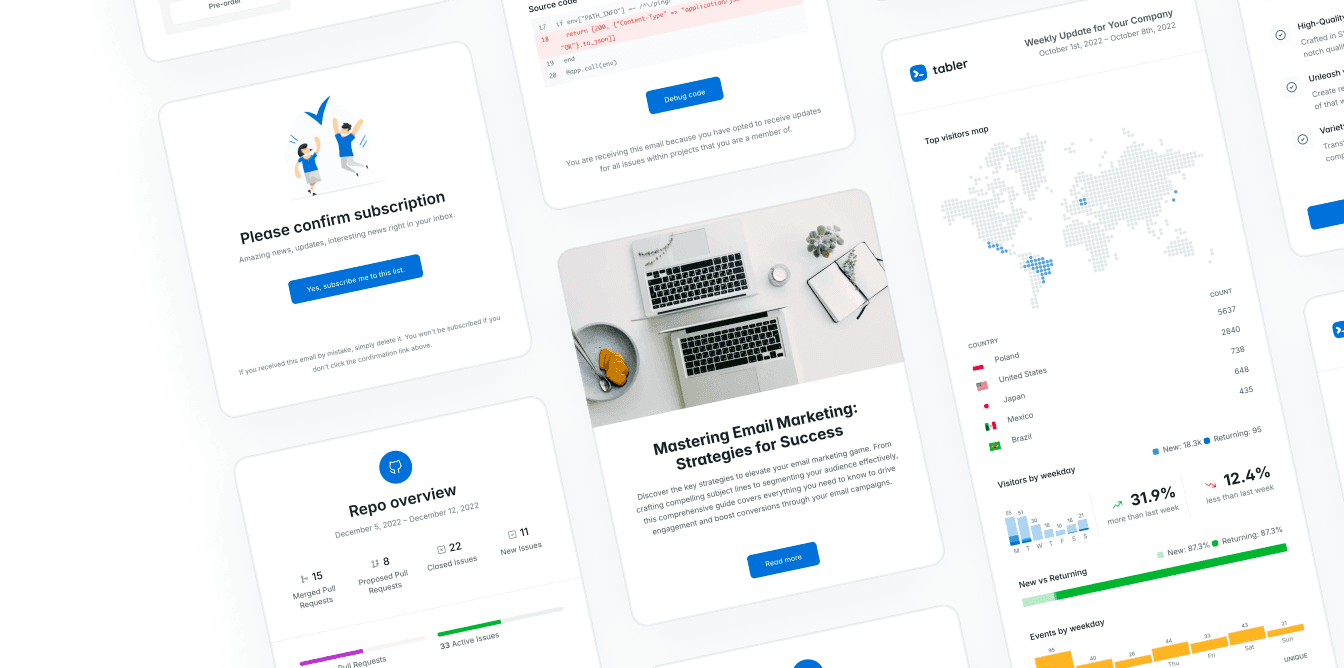
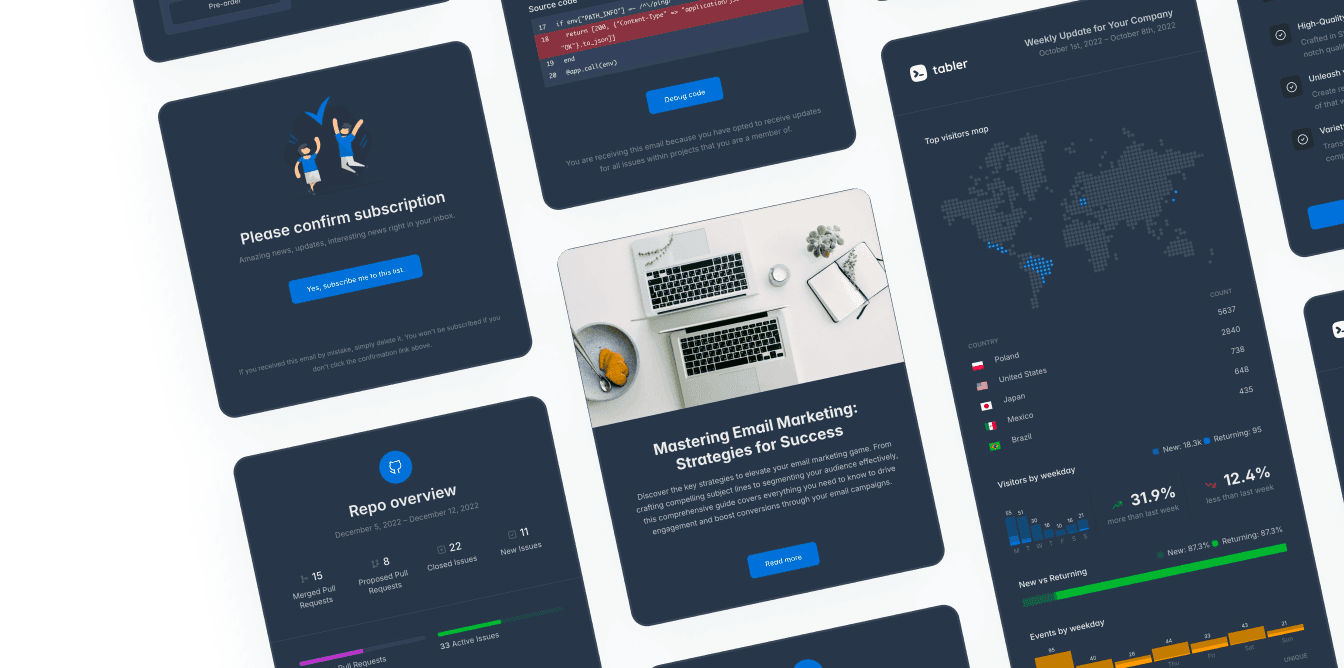
If you’d rather not worry about the design of the email, use Tabler Emails. It’s a set of over 80 customizable and responsive email templates, and there’s a trial version if you want to see whether they suit you.