Advantages of sending invoices by email
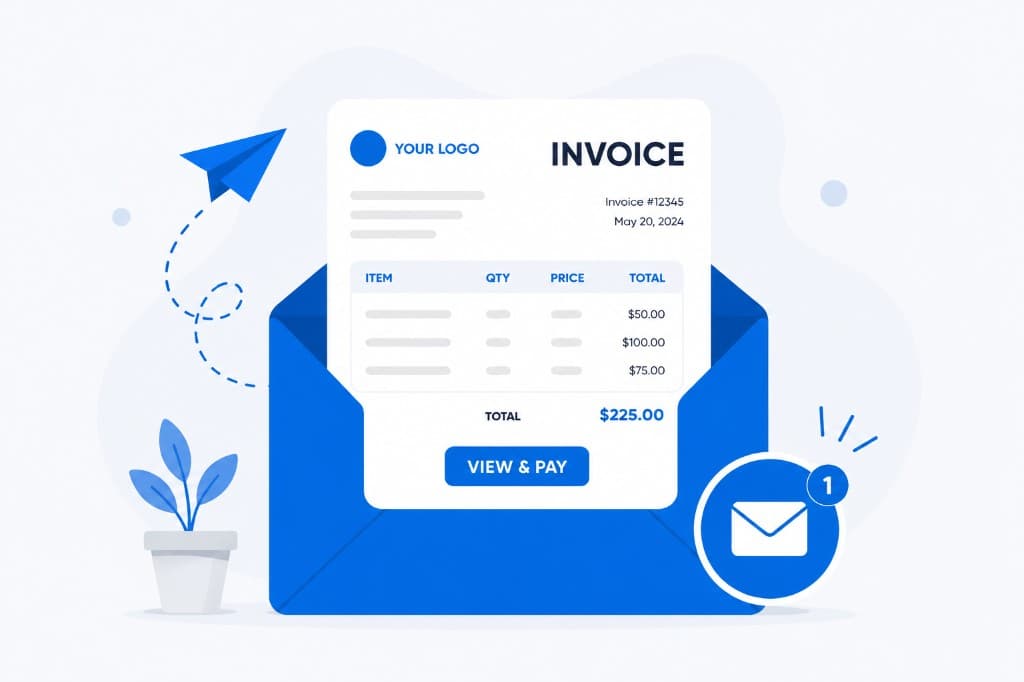
Email is the fastest way to get an invoice to a customer, and it saves both time and money. Invoices are easier to manage that way too, because they’re always available online, as long as you have an internet connection.
Best practices for invoice emails
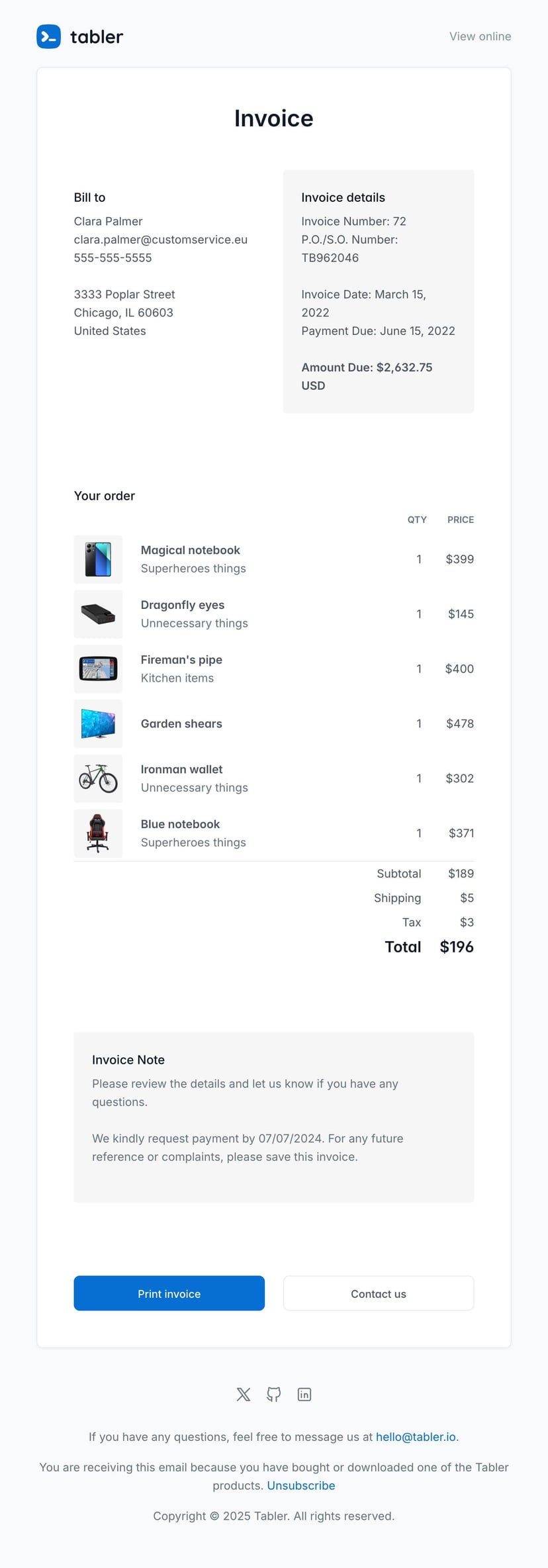
Start with the customer’s key details. Name, address, phone number and the invoice amount, plus the date the invoice was sent and anything else that’s relevant.
If the invoice is for a product, include a picture of it along with the details that go with it. An image is a visual reminder of what the customer bought and what it cost, and it makes the email clearer, because people will often recognize their purchase at a glance instead of reading through everything. A summary of the total cost, taxes included, is worth adding as well.
A print button lets the customer print the invoice without any fuss. A contact button helps too, since they won’t have to go hunting for your contact details.
Then leave room for a personalized note. That space is useful for saying something more about the purchase, or about your company.
Our invoice email template
Our invoice email template is built to be clear and easy to use. It’s simple to customize, and it keeps a professional look.
About us
Our invoice templates are fully responsive, so they display properly on computers and on phones. If you’re new to our platform, there’s a trial version that gives you access to a lot of templates for different kinds of emails. Tabler Emails has over 80 responsive, pre-built templates, tested across more than 70 email clients.
Learn more at Tabler Emails.