💳 Tabler Illustrations v1.19 – SaaS Essentials
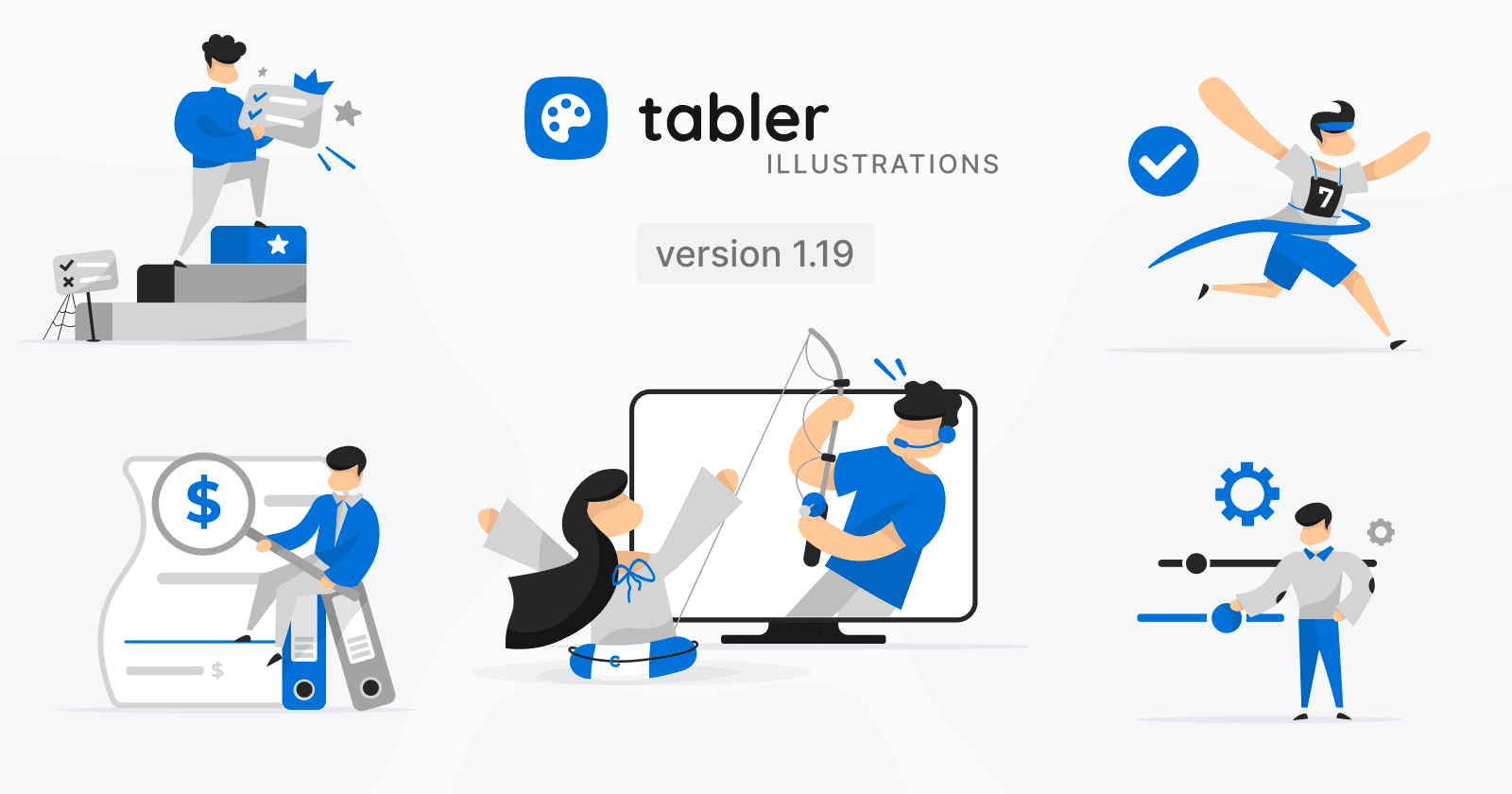
Tabler Illustrations v1.19 adds five new graphics for the account side of your product: Invoice, Settings, Success, Support, and Upgrade.
Every SaaS product has the same handful of screens behind the main feature: billing, settings, a help page, a pricing table, and a “you’re done” message. 💳 Tabler Illustrations v1.19 adds five new scenes for exactly those places, so they no longer have to be the plainest part of your app.
🧾 5 New Illustrations for Account and Billing Screens
From the first invoice to the plan upgrade, these additions cover the screens every paying user ends up on:
Invoice Review

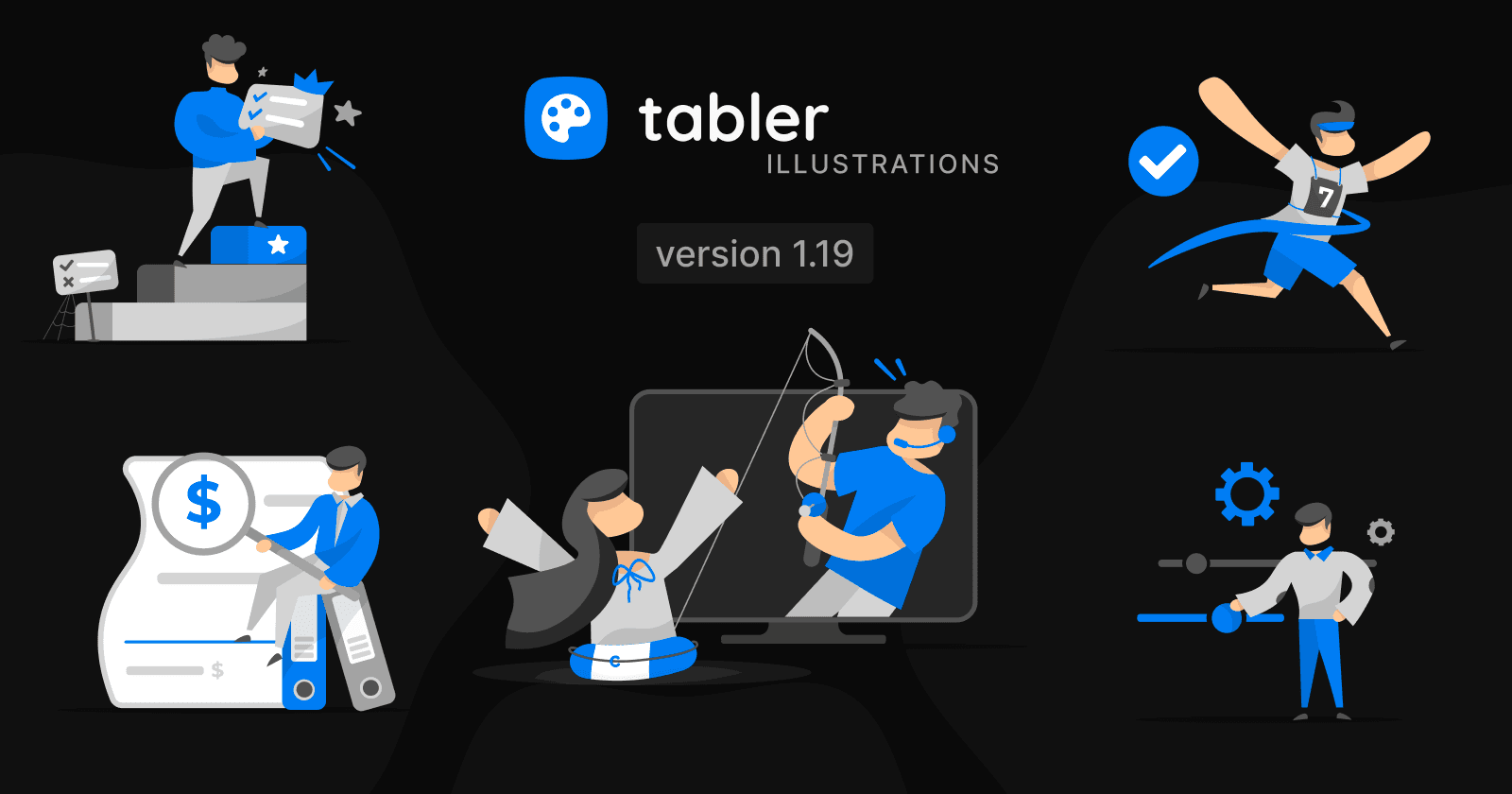
A man sits on a pair of office binders and holds a magnifying glass over the dollar sign on a large invoice. Use it for billing pages, invoice lists, payment history, expense reports, and accounting tools.
Adjusting Settings

A man moves a big slider handle while two gears spin above him. A good fit for settings and preferences pages, configuration steps, onboarding setup, and customization options.
Crossing the Finish Line

A runner with the number 7 on his shirt breaks through the finish ribbon, arms in the air, next to a large check mark. Use it for success messages, completed checkouts, finished onboarding, and reached goals.
Customer Support

A support agent with a headset leans out of a monitor and reels in a line with a fishing rod, while a woman in a lifebuoy raises her arms in relief. It works well for help centers, contact pages, live chat, and ticket forms.
Plan Upgrade

A man climbs a set of steps towards the top block marked with a star, holding a checklist with a crown, and leaves the old plan’s sign behind in the cobwebs. Use this scene for pricing pages, upgrade prompts, paywalls, and premium feature announcements.