Good customer service is really just moving information around efficiently, so that problems get solved. To get there, you have to pay attention to how you talk to your customers. Below are some tips for improving your email communication, taking your customer service up a notch and keeping your customers happy.
Customer service best practices
-
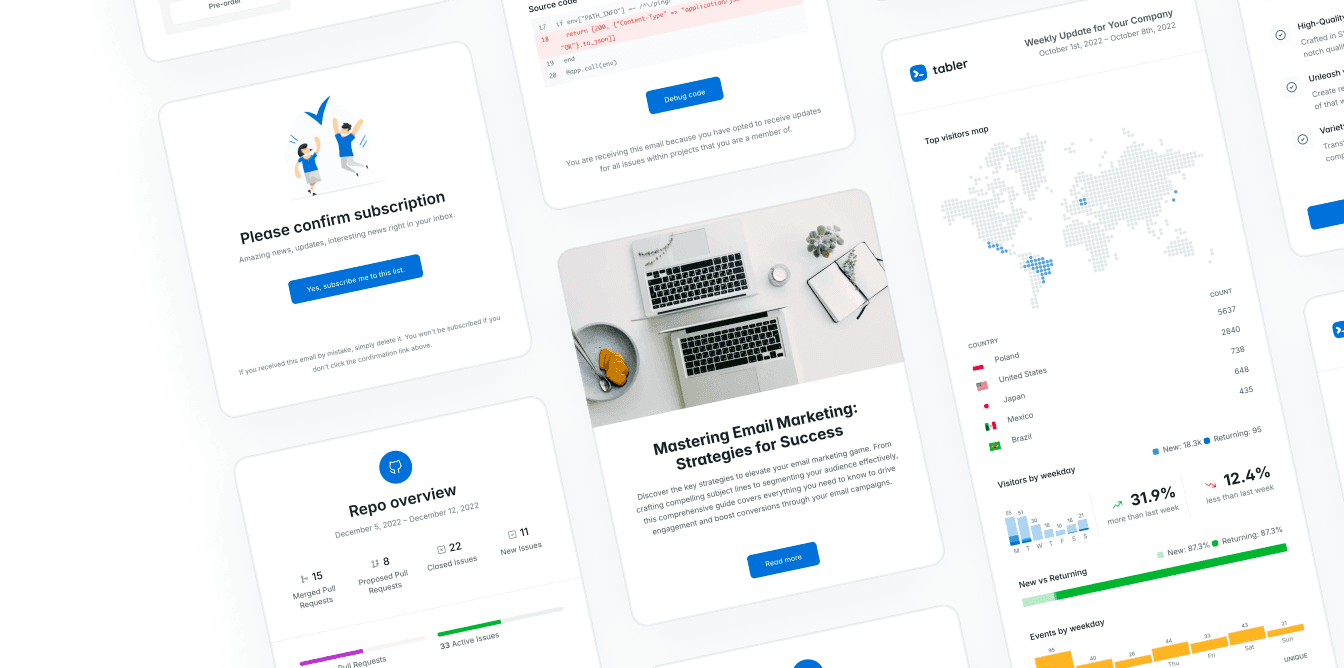
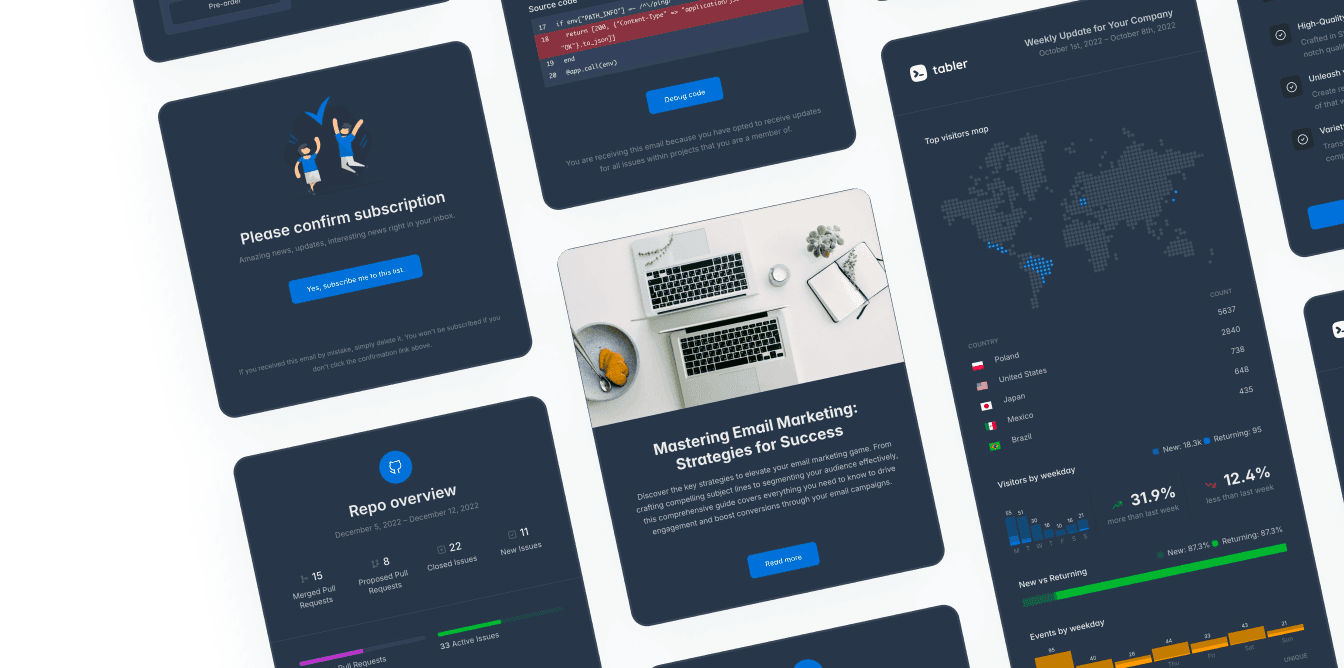
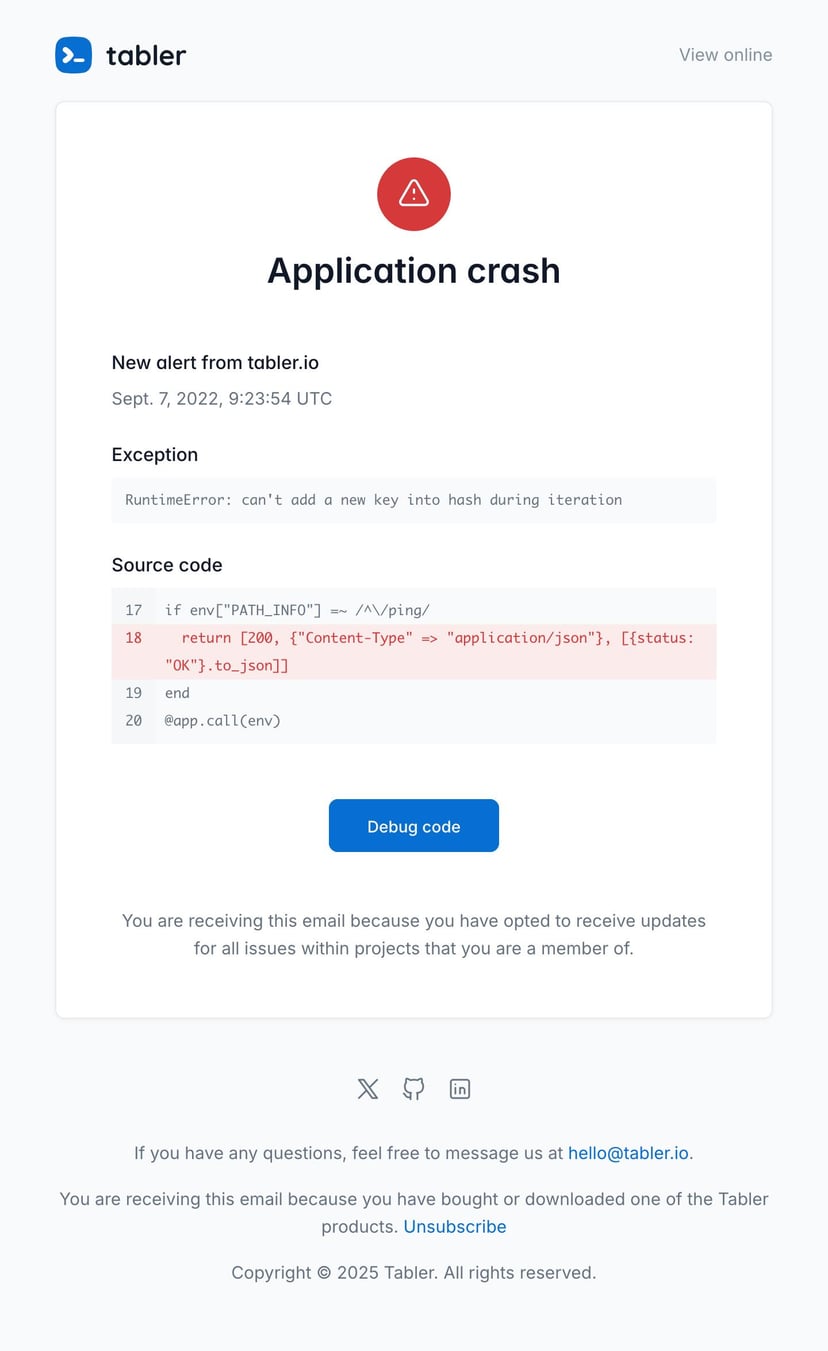
Keep your communication style consistent. Emails are a big part of how you talk to customers, so it matters that they’re easy to associate with your company. A consistent email layout goes a long way toward building a picture of your company in your customers’ minds. Email templates that match your company image help with that. They organize the content of the message and keep it clear for the recipient. If you don’t have any, take a look at Tabler Emails, a set of over 80 ready-made email templates.
-
Build genuine relationships. Email messages are a bit like your business card, so make sure they help you build real relationships with the people reading them. That’s obviously harder online than it is on the phone or face to face. But some parts of online communication can make up for the missing verbal contact. Every email should carry your name or username and words like thank you and please. Address people by name where you can, and be clear about what you’re trying to say. Plain good manners work online too.
-
Ask for feedback. Even when customers are complaining and are unhappy with something they’ve paid for, try to understand them and give them the answers they need. Offer solutions, or ask what they were expecting, instead of criticizing or dismissing their suggestions. Take customer feedback seriously, negative feedback included. It’s how you find out which parts aren’t working.
-
Watch your response time. A short response time is another part of good customer service. If a customer waits a long time for an answer, or worse, never gets one, they start seeing your company as unreliable and complain more. A quick response has the opposite effect. They feel looked after, and their satisfaction goes up. Give every message its own answer, too. Even if you can’t solve the problem right away, tell the person you have it in hand and that more detailed information is coming.
-
Keep the messages short. Avoid long emails with very detailed instructions unless you really need them. Scrolling through a wall of text is dull, so a short message with links to the longer instructions on your website is often the better option. It spares your customers the slog of getting through a long email.
-
Take care of the details. Don’t forget about the content itself. Make sure your emails are free of bad formatting and language errors. And if a problem needs a phone call, keep your communication style the same on the phone as it is in the email.
Those are the things worth keeping in mind. Get them right and your email communication improves, and customer satisfaction with it. It takes a bit of time to work on this part of customer service, but it pays off, and it earns you your customers’ trust.