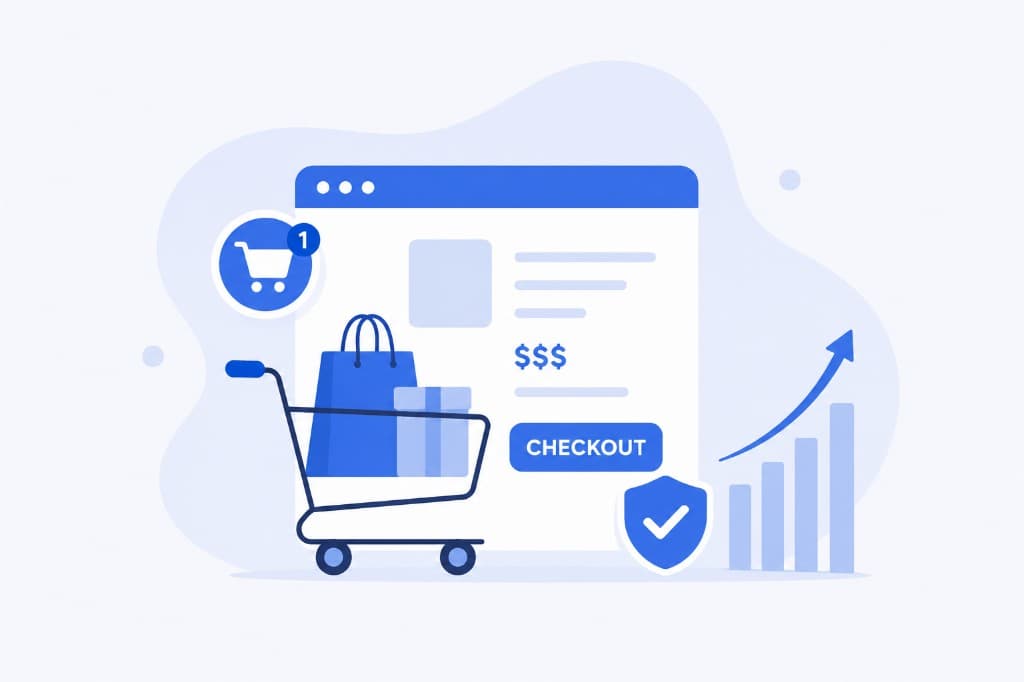
Getting people to finish their shopping carts is one of the more direct ways to lift your profits. Writing the email that does it is harder when you don’t know what the problem is in the first place. The job is to get users to complete a purchase they already started, so these emails go to customers who added items to their cart and then didn’t buy. This article covers how to write messages that feel both safe and encouraging.
Customers often add items to a cart with no intention of buying right away. Plenty of them use the cart as a wish list. Whether they come back and buy often comes down to how much you encourage them. Over half of your potential customers may leave without buying anything.
Purchase stages
A customer goes through several stages of consideration before buying. Knowing which one somebody is in helps you write a message that fits:
- Awareness, when the customer realizes they need something.
- Research, when they look around for the best price and quality on the market.
- Intent, when they decide they want a particular product.
- Decision, when they complete the purchase.
Common issues leading to abandoned carts, and what to do about them
There are a lot of reasons people abandon their carts. Once you know which one is yours, you can do something about it.
-
A slow website. Customers lose patience and leave, and every second of delay can cost you a sale. Keep an eye on your site’s speed and work on it regularly.
-
A complicated checkout. Asking for too much information during checkout is frustrating. A guest checkout option is close to essential. Let people create an account during their first purchase, while they’re entering shipping details anyway. Keep the process short, ideally within the “three-click rule”.
-
Hidden costs. Unexpected fees, and high shipping costs in particular, send people away. Be upfront about all of it. A free shipping threshold helps too, since customers will often add another product to qualify instead of paying for delivery.
-
Payment worries. A complicated or untrustworthy payment process puts people off. Use something secure that’s easy to work with. A fast, trusted payment gateway makes it more likely the transaction goes through.
-
Mobile. A lot of people shop on their phones, and if your site doesn’t display properly there, they leave. Make sure it’s responsive and works on all devices.
What to do when a customer abandons their cart
Once somebody has left a cart behind, following up quickly is what wins the sale back. A few things that work:
-
A follow-up email. Send a reminder about an hour after the cart is abandoned. You can send another at the end of the day, with details of the abandoned items and an offer of help from customer service. After 48 hours, send one more with a “last chance” message, and maybe a discount.
-
Reserved items. You can hold the items in the customer’s cart for a limited time. Tell the customer how long you’ll hold them, which creates some urgency. Show how many are left, too. If it’s the last one, that’s a reason to decide now.
-
An eye-catching email. What the email looks like matters here. Keep it in the same style as your other messages, and include images of the products in the cart, which makes the decision easier.
-
Remarketing. Show ads for the products left in the cart on the other websites the customer visits. Personalized emails and retargeting ads together keep the products in mind and improve the odds that the purchase happens.
Work through these and abandoned carts stop costing you quite so much. If you’re after more articles on writing emails, have a look at Tabler Emails.